

DAILY
$9/ day
24 hours of access
Get Daily- All Wzo features
- One active PC
- All game accounts on that PC
- Updates and Discord support
Leave the grind to Wzo. Play only the parts of AION 2 you enjoy.
Features
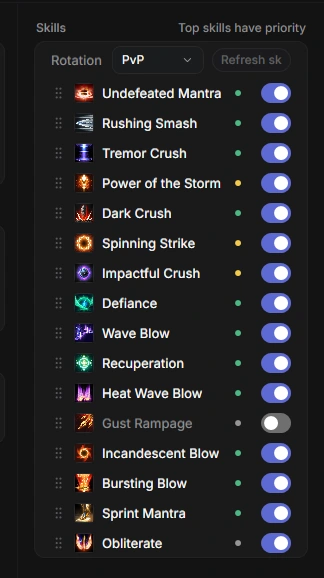
Farm a spot or a route with your custom rotation.

Your rotation, targets and farming session in one view.
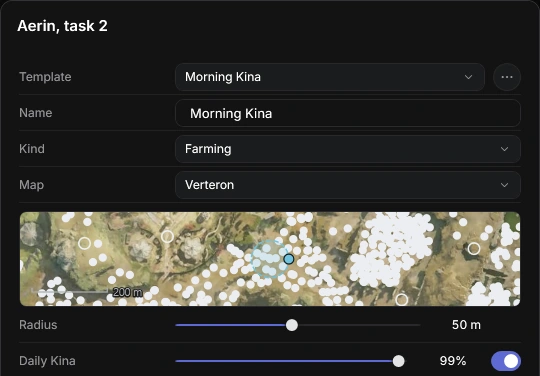
Finds where the monsters are, or follows your own patrol.

Farm pet souls and complete your collection.

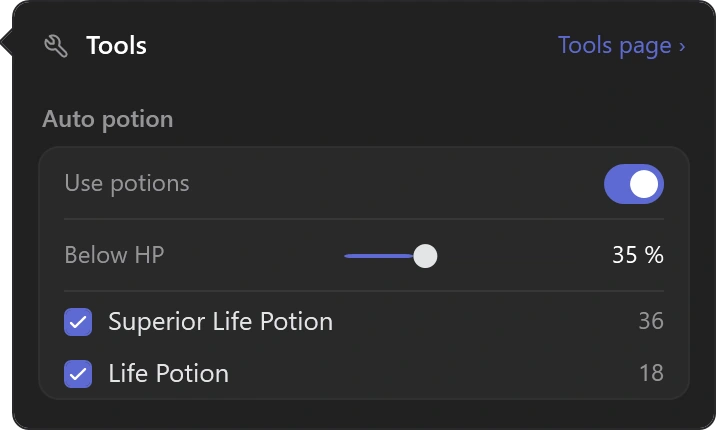
Drinks your potions when HP runs low.
Pick your resources, Wzo does the rounds.

Pick what you want from the map.

Collected along the way.

Flies to floating Odyle in the Abyss.
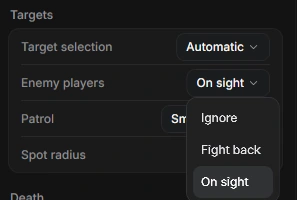
Defends itself from monsters and enemy players.
Plan your dungeon runs for each character.

Queue Expeditions, Nightmare, Daily Dungeon and Ascension Trial in Tasks.

Choose the difficulty for each character.

Join Dimensional Invasion when you have a reward key.
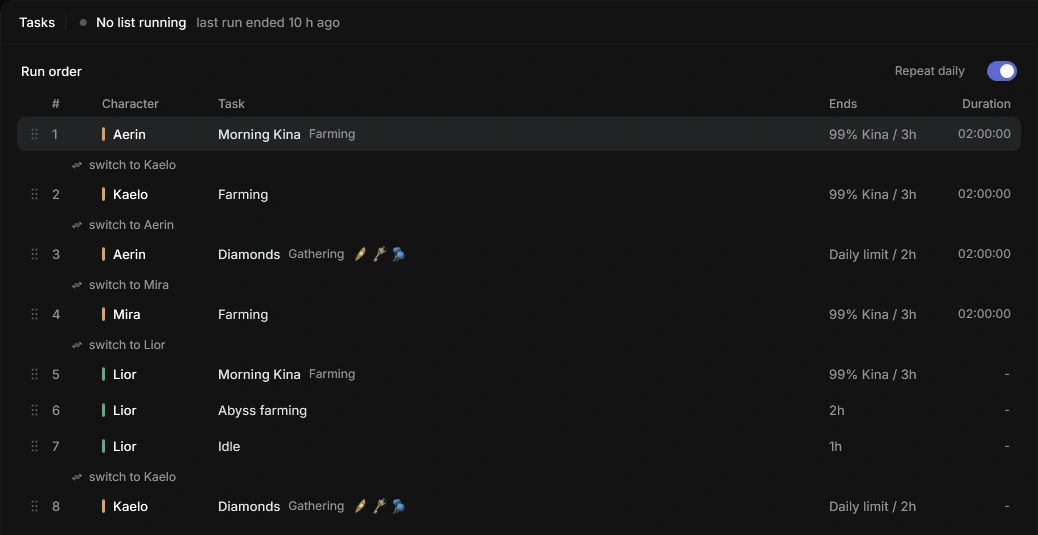
Line up your characters and let the list run.

A list for each character, repeated daily.

Knows your characters and switches between them.


Build a routine with farming, gathering, Abyss and Dungeons.
The rest of your AION 2 day, in the same app.
Your damage and your party's, on top of the game.

The Daeva check, solved for you.

Every hour, Wzo plays it for you.
Every character's dailies and weeklies at a glance.

Wzo tells you when it needs you.
DAILY
24 hours of access
Get DailyWEEKLY
7 days of access
Get WeeklyMONTHLY
30 days of access
Get MonthlyPrices in USD. Pay with PayPal, card or Bitcoin. Your key arrives as soon as the payment clears.
Need help with something else?
Ask us on Discord ↗
Wzo is a Windows app for AION 2 Global with combat automation, resource gathering, per-character task lists, account information and session history.
Wzo supports the Steam and PURPLE versions of AION 2 Global. The app checks game compatibility when it connects.
Every plan includes the same features. Daily provides 24 hours, Weekly provides 7 days and Monthly provides 30 days of access.
Your license covers the game accounts on one active PC at a time. It is not tied to a single character.
The licensing service permits up to three transfers to another PC. Reactivating on the same PC does not consume a transfer.
Choose Daily, Weekly or Monthly above and pay with PayPal, card or Bitcoin. Your key and the download link appear on your order page and in your email as soon as the payment clears.